Excel as the system
Lists in several versions that nobody can reliably keep track of any more.


We find out where your business loses time and turn it into simple, digital workflows. Whatever can be automated then runs on its own.
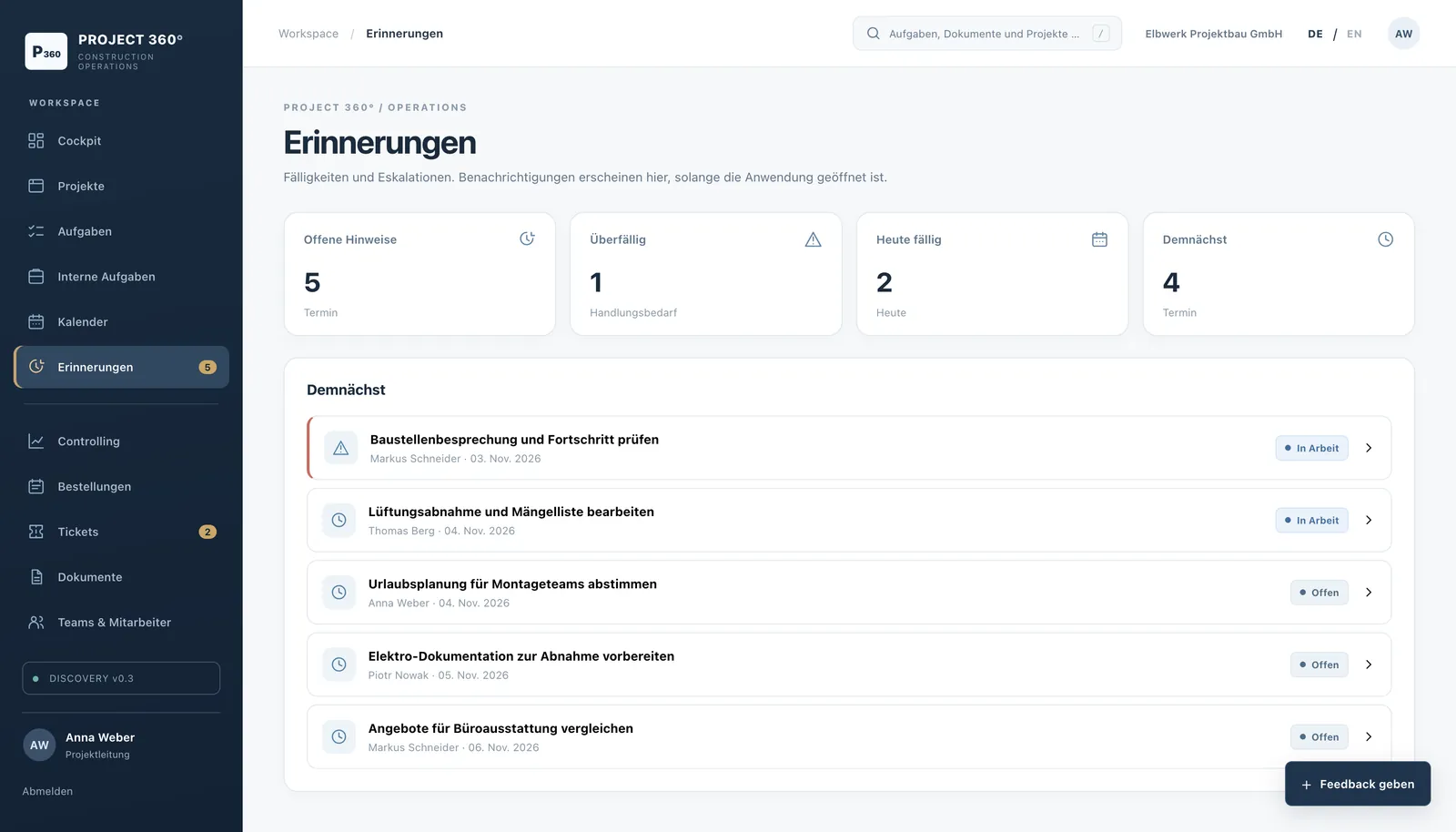
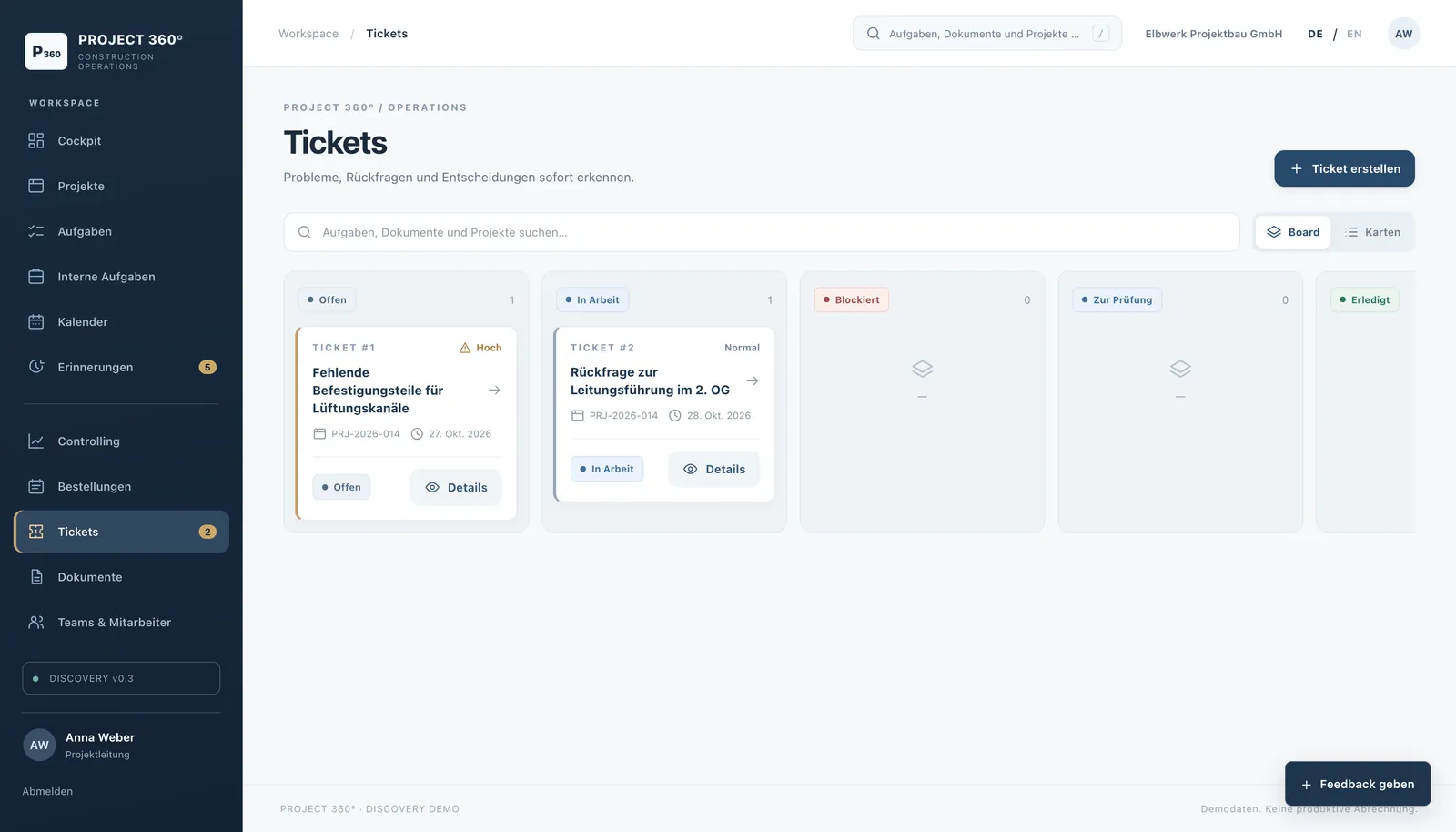
Real interface from Project 360°, software we developed (demo version with sample data)
We see these patterns in almost every business. They cost time every day and are usually quick to fix.
Lists in several versions that nobody can reliably keep track of any more.
Processes only work when one particular person is around.
The same data is typed into the shop, the quote and the accounts.
Approvals and information sit unanswered in email inboxes.
Receipts, emails and PDFs are recognised, read and sent automatically to where they are needed: to accounting, to your customer software or to your shop.
Six short questions, answered honestly. You will see straight away where a closer look is worthwhile.
The time you gain is the real benefit: your team puts it into advice, sales and customer care.
Worked example based on 46 working weeks. We determine your real figures in the analysis.
Instead of retyping data from one program into the next, we connect the tools you already use. An order, an appointment or a receipt then goes to the right place on its own.
Your workflowconnected automaticallyExamples. Which connections make sense for you is something we clarify in the process check.
We do not change anything we have not understood. And we only stop once your team works confidently with the new workflow.
We accompany your team in their daily work and document how things are done today.
Where is time lost, where do errors occur? You receive a clear overview.
Automation, new tools or custom software, step by step.
Training, instructions and a before-and-after comparison.
Not necessarily. Often it is enough to connect existing programs better. We only recommend new software if it pays off.
That depends on the size of the business. We agree the scope together beforehand, so you know what to expect.
We automate routine work, not people. The time freed up goes into tasks your team previously had to leave undone.
Yes. With the DATEV integration, receipts go straight to where your tax adviser needs them.
Tell us. In an initial conversation, we will show you what can be improved quickly.