Gateway & firewall
The heart of the network: internet connection, firewall, VPN and management in one device.
- Two internet connections with failover
- VPN for home office and field staff


From an online reception desk to a business with three sites: we plan, install and look after UniFi networks that are fast, secure and managed from one place. And the network grows as your business grows.
 Managed Service Provider · Devices via an authorised distributor in Germany
UniFi grows in modules. Every new device appears in the same interface. You buy what you need today and expand later without starting the planning from scratch.
Figures from a UniFi network we run with two internet connections. As your MSP, this is exactly the view we keep on your sites.
Network, cameras and door access come together in one interface. That saves licences, integrations and maintenance time.
The heart of the network: internet connection, firewall, VPN and management in one device.
Switches connect workstations and power access points, cameras and phones directly over the network cable.
Access points with Wi-Fi 7 and Wi-Fi 6E, placed according to a survey rather than guesswork.
Video surveillance with UniFi Protect. Recordings stay on your premises, with no monthly cloud fees.
Doors with UniFi Access open by card, smartphone or PIN. You manage times and permissions centrally.
Branches and satellite offices connect to each other automatically and securely, managed via UniFi Site Manager.
From small offices to sites without a fixed-line connection. A selection of the devices we currently plan in most often.
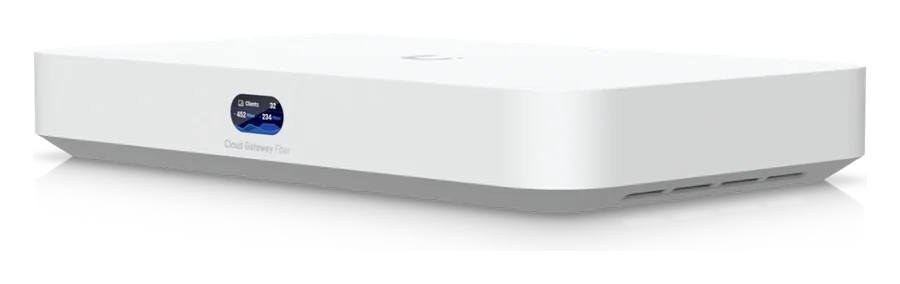
Compact gateway for fibre and multi-gigabit connections. No built-in Wi-Fi, but plenty of performance and room for an SSD.
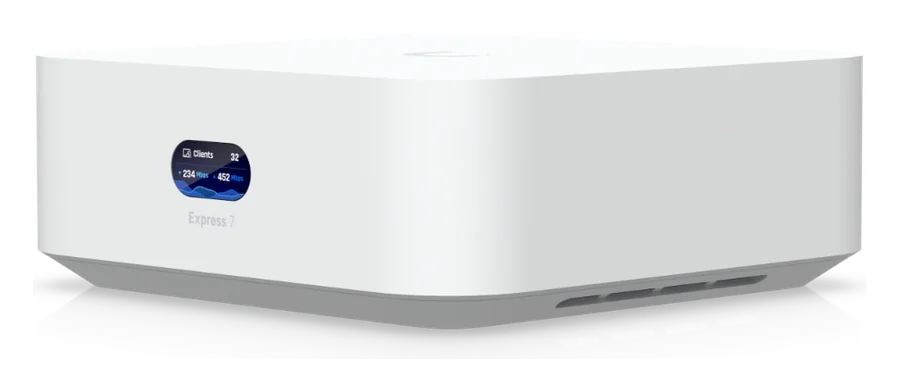
Gateway and Wi-Fi 7 access point in a very small housing. Later on it can be reused as a mesh point.
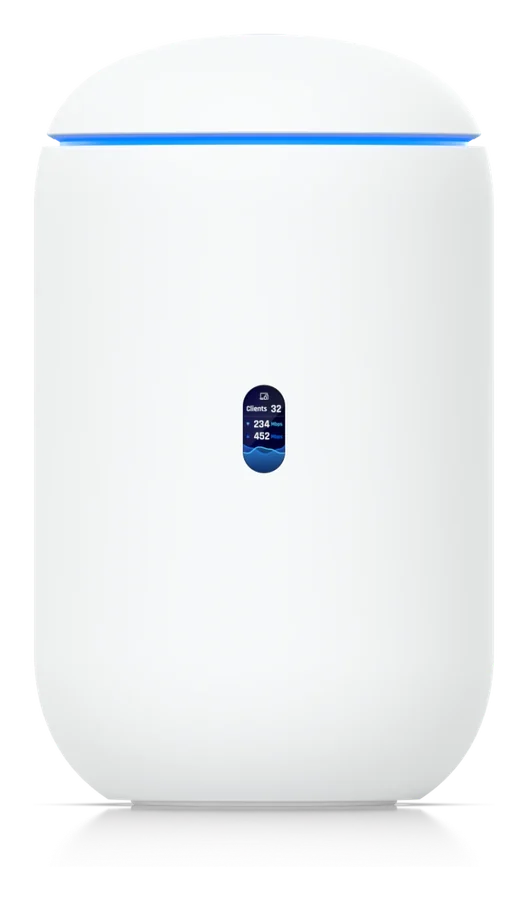
Router, Wi-Fi 7 and switch in one device. A memory card records camera footage directly.
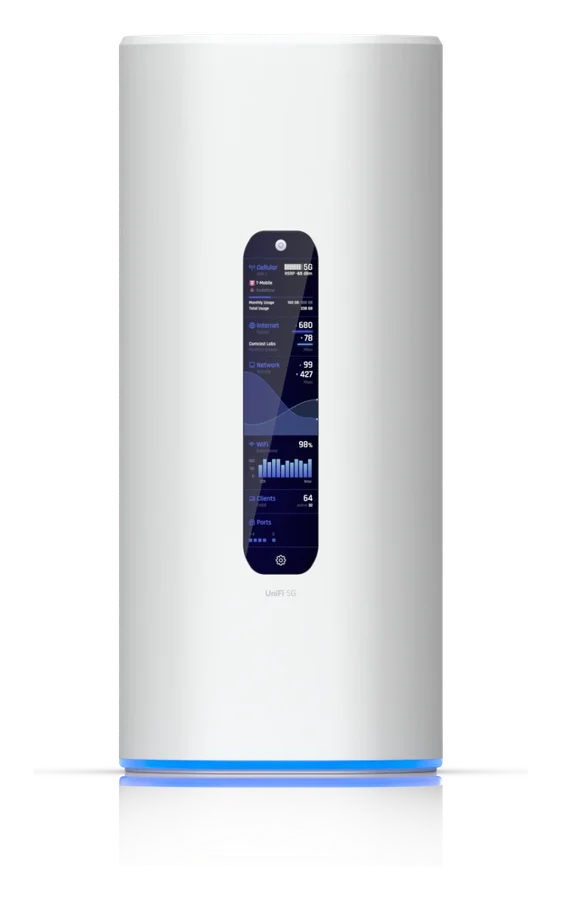
Everything the Dream Router offers, plus a built-in 5G modem. Internet even where no line has been laid yet.
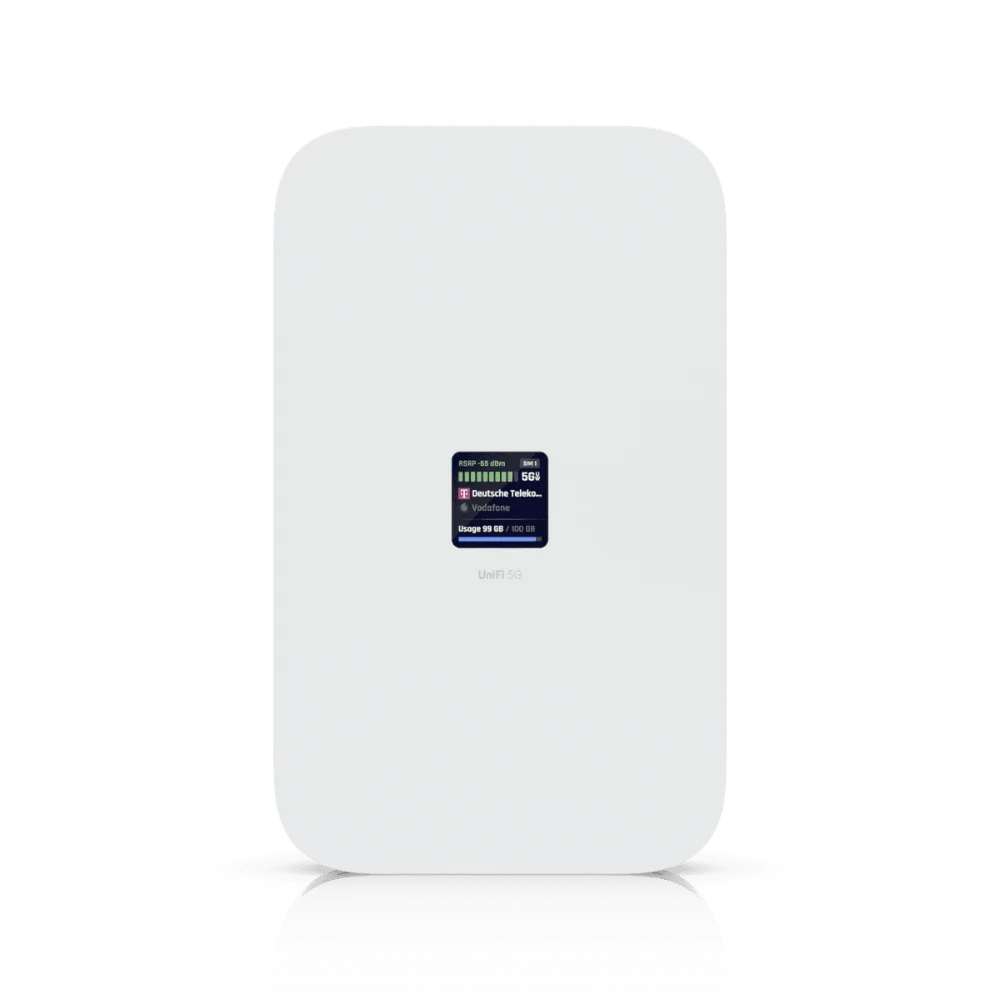
5G modem powered over the network cable. As primary connection, for load balancing or as failover.
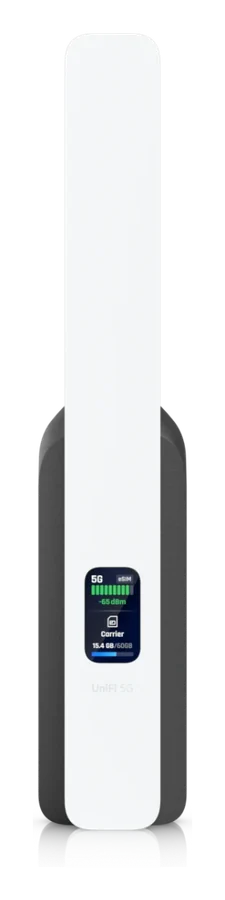
Affordable backup connection over 5G. If the primary line fails, it takes over automatically and tills and phones stay online.
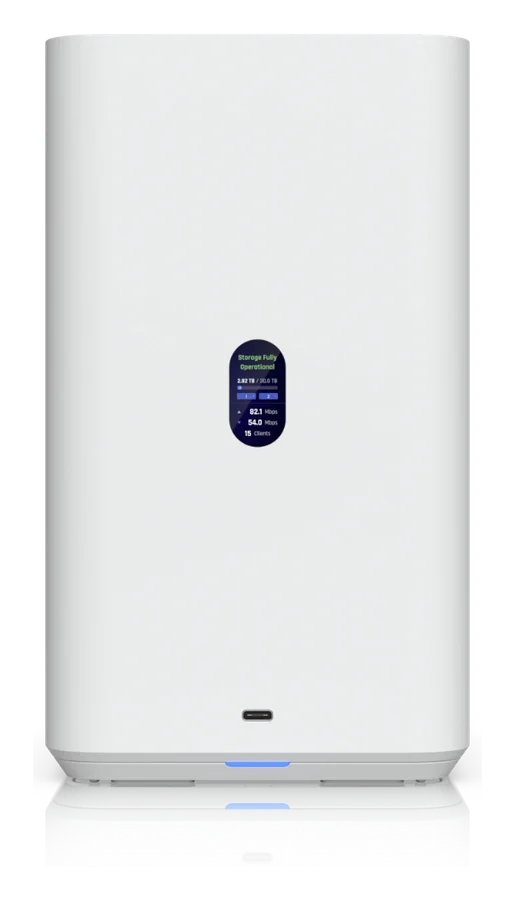
Compact storage with two drives that mirror each other. If one fails, your data is still there.
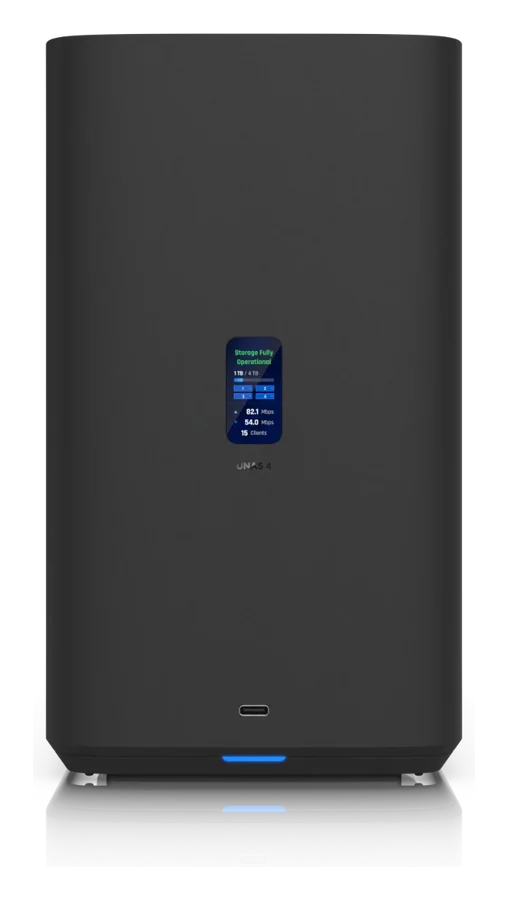
Four drives plus SSD cache. Power can come directly over the network cable if you prefer.
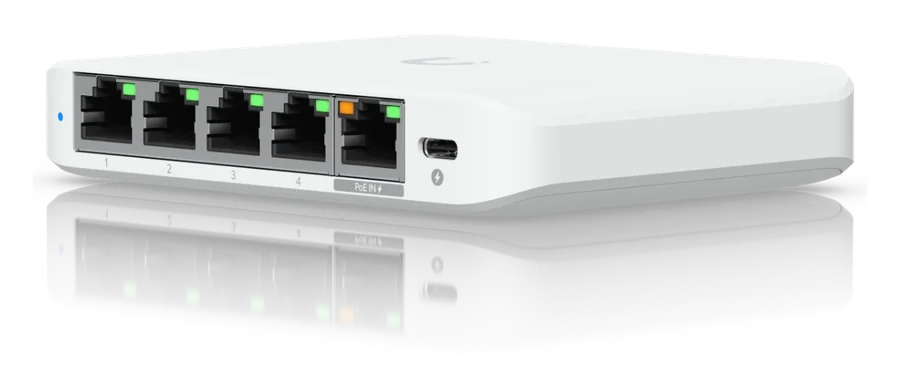
Small switch for the desk, the reception or the meeting room.
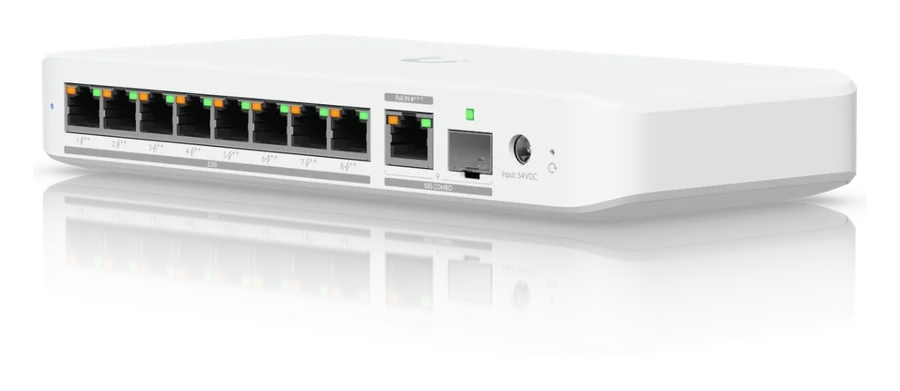
Compact switch that powers access points, cameras and phones, no server rack needed.
Product images: Ubiquiti. Technical data according to the manufacturer, as of November 2026. We decide which devices suit you during the site visit.
Four typical setups as a starting point. Choose a size and add what matters to you. The devices adjust.
Example setups. We decide the actual number and choice of devices after the site visit.
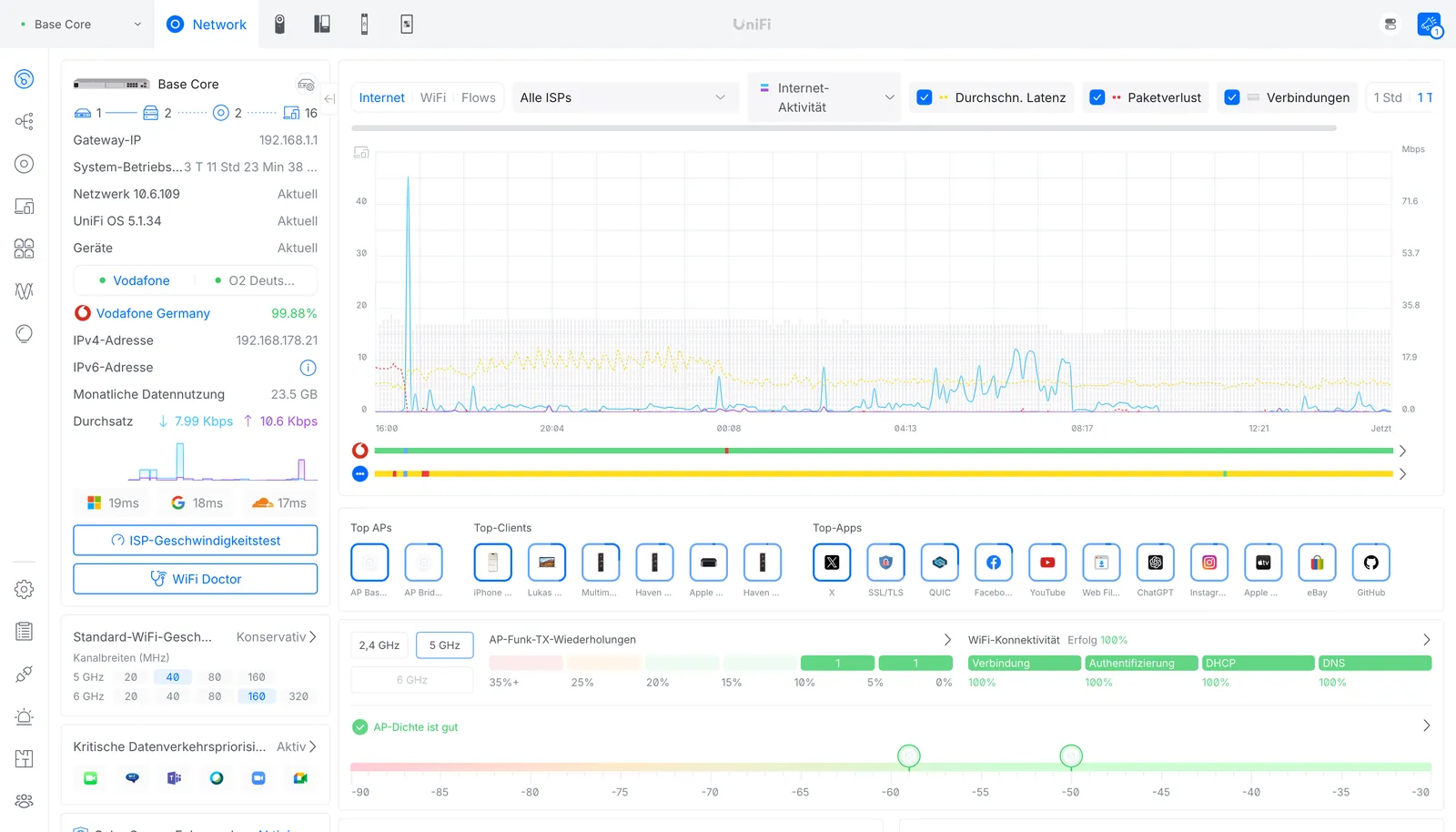
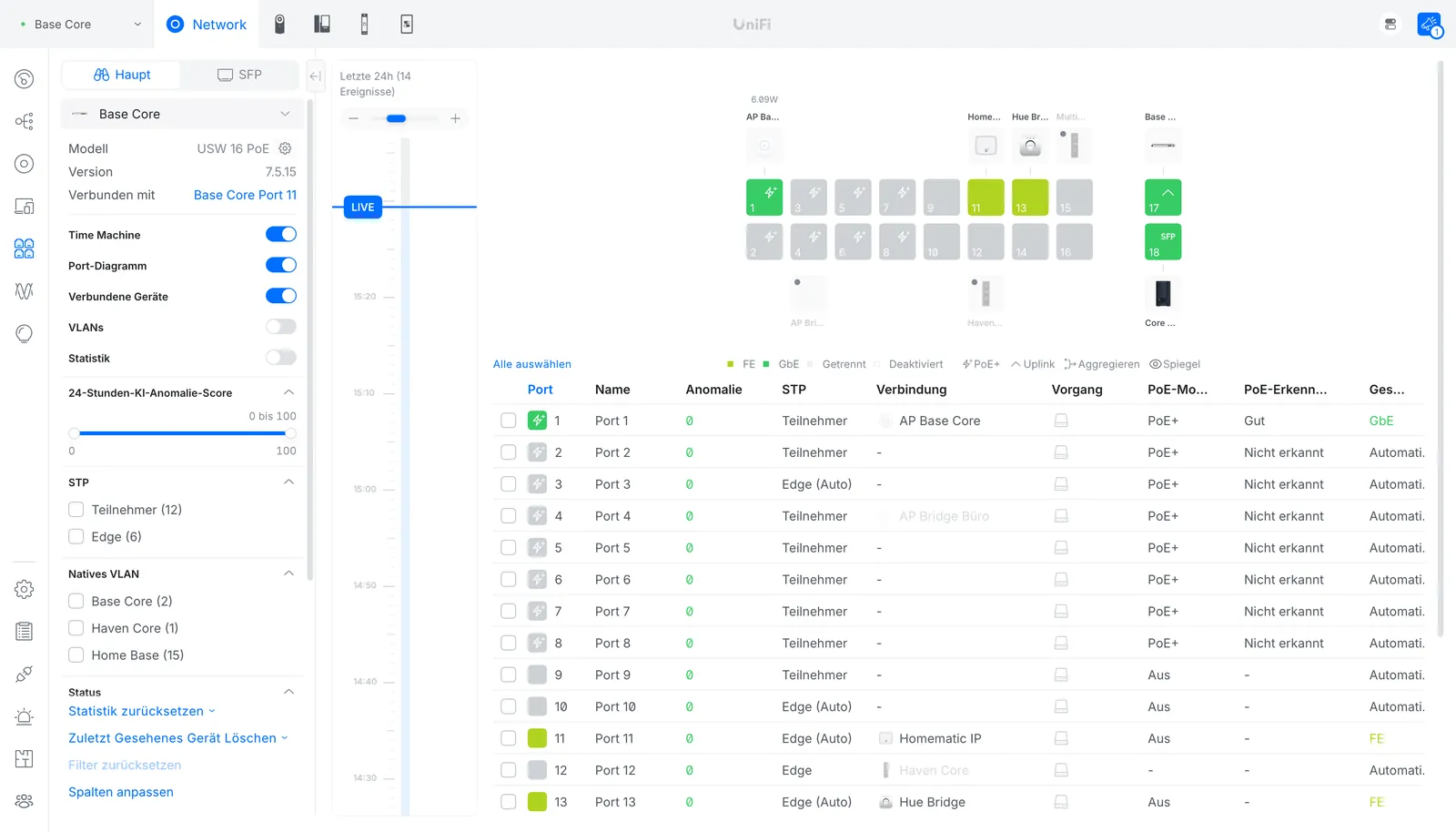
Original footage from the UniFi interface. This is what it looks like once we have set up your network.
With Teleport and UniFi Site Manager you reach your company network, encrypted, in one click, without a complicated VPN setup.
If the primary line fails, a second connection takes over automatically, for example via 5G. Tills and phones keep running.
Real screenshot →Firewall and intrusion prevention (IPS) inspect traffic and stop suspicious connections before they cause damage.
Every connection with source, destination and rule. We find problems much faster.
Tills, cameras and team on their own networks, guest Wi-Fi strictly kept apart. One rule, properly applied.
UniFi Protect recognises people and vehicles. Recordings stay on your premises, with no monthly licence fees.
UniFi Access with card, PIN or smartphone. You manage permissions and times centrally, and every entry is logged.
The zone matrix shows which network may talk to which. Clear instead of cryptic.
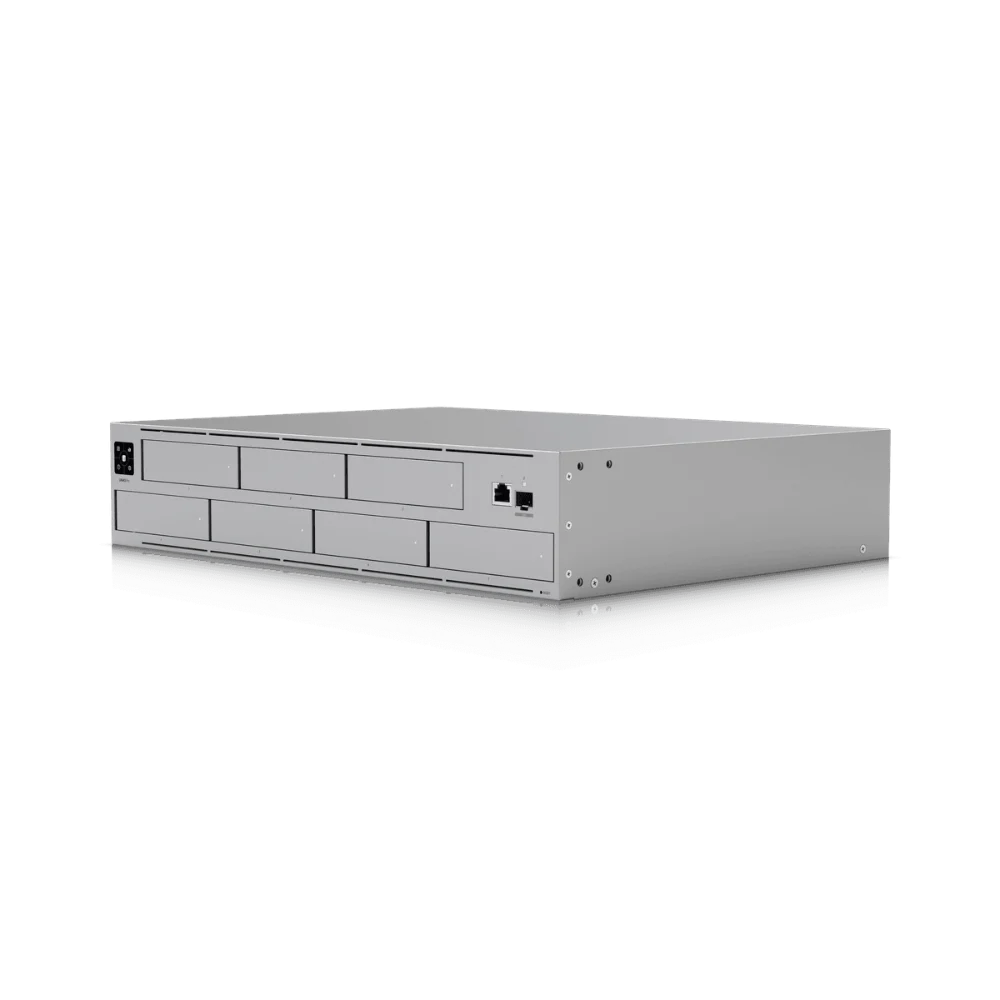
A UniFi network storage device backs up your data every night. Yesterday's version is restored quickly.
Videos and product images: Ubiquiti. We set up the features for your business and explain them to your team.
Enter a few key details. The planner shows the layout and a first parts list as a guide. We do the detailed planning after the on-site visit.
Guide values only. We decide the number and position of devices after the site visit and Wi-Fi survey.
Guests can't see your accounts, and a camera can't reach the server. We split your network into zones and define who may talk to whom.
As a UniFi Managed Service Provider, we look after your network remotely on an ongoing basis. We often spot faults before you notice them and keep every device up to date.
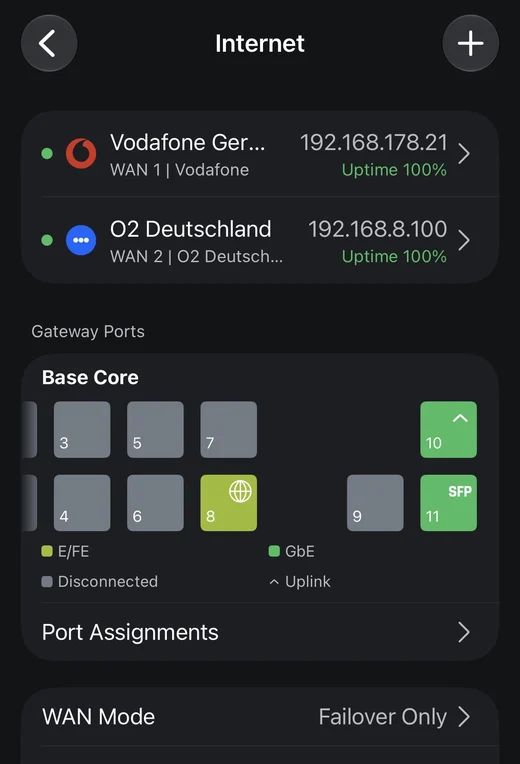
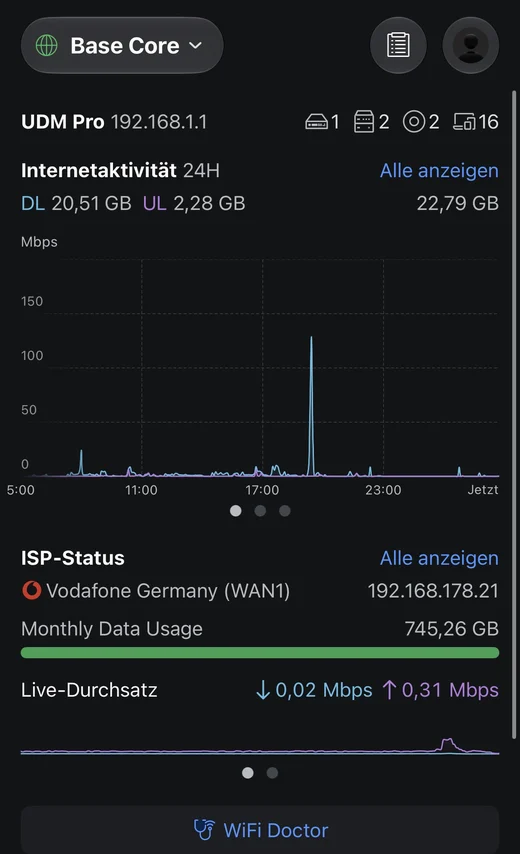
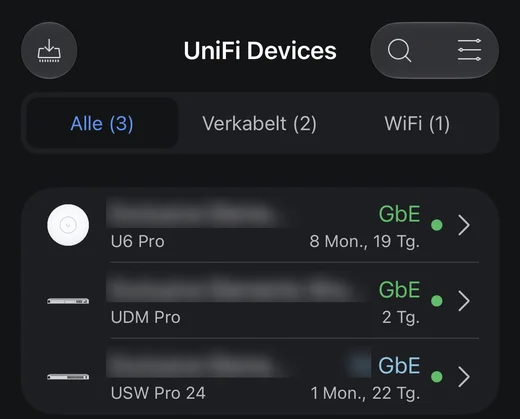
Screenshots from the UniFi app of networks we manage. The access point has been running for over eight months without interruption. Customer names have been blurred.
Branches, practices and satellite offices, each site with its connection, devices and alerts. This is our workspace as an MSP.
Latency, packet loss and outages of your providers, measured and documented around the clock.
We use UniFi in our own business too. That experience goes into every plan.
We look at your rooms, cabling and existing equipment on site.
Wi-Fi survey, device positions and network layout, in writing for you.
Mounting, setup and testing, outside your opening hours if you wish.
Handover with documentation, then updates and remote maintenance.
UniFi brings network, Wi-Fi, cameras and door access together in one interface, with no ongoing licence fees for the core features. The devices are powerful, scale in modules and can be maintained remotely.
Futuremaxx is listed with UniFi as a Managed Service Provider (MSP). This means we don't just plan and install, we look after our customers' networks on an ongoing basis, with central monitoring, updates and remote maintenance.
We source all UniFi devices through an authorised distributor in Germany. You get genuine products, and we handle warranty claims for you.
Yes. We first check what is already there. Cabling and parts of the equipment can often be reused, and we only replace what is really necessary.
No. We plan the switchover so that downtime stays short. Larger changes are scheduled for evenings or weekends.
Locally on a device in your network. Recordings are not stored in a third-party cloud, and you decide who may view them.
As a Managed Service Provider, we monitor the network remotely, install updates and are your point of contact for questions. We agree the scope together in the quote.
At any time. New access points, cameras or sites are simply added and appear in the same interface.
We come by, look at your premises and tell you honestly what you need and what you don't.
UniFi, UniFi Protect and UniFi Access are trademarks of Ubiquiti Inc. Futuremaxx is a UniFi Managed Service Provider, an independent service provider for planning, installation and support, and sources the devices through an authorised distributor in Germany. Product images: Ubiquiti Inc.