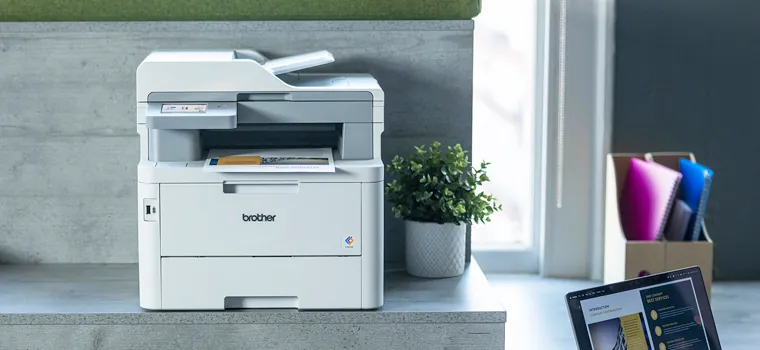
Laser
Laser printers
Fast, economical to run and ideal for lots of text pages in offices and practices.


Laser and multifunction devices, document scanners and label printers from Brother. We choose them based on print volume and workplace, connect everything to your network and take care of consumables and service.
 Registered Brother partner
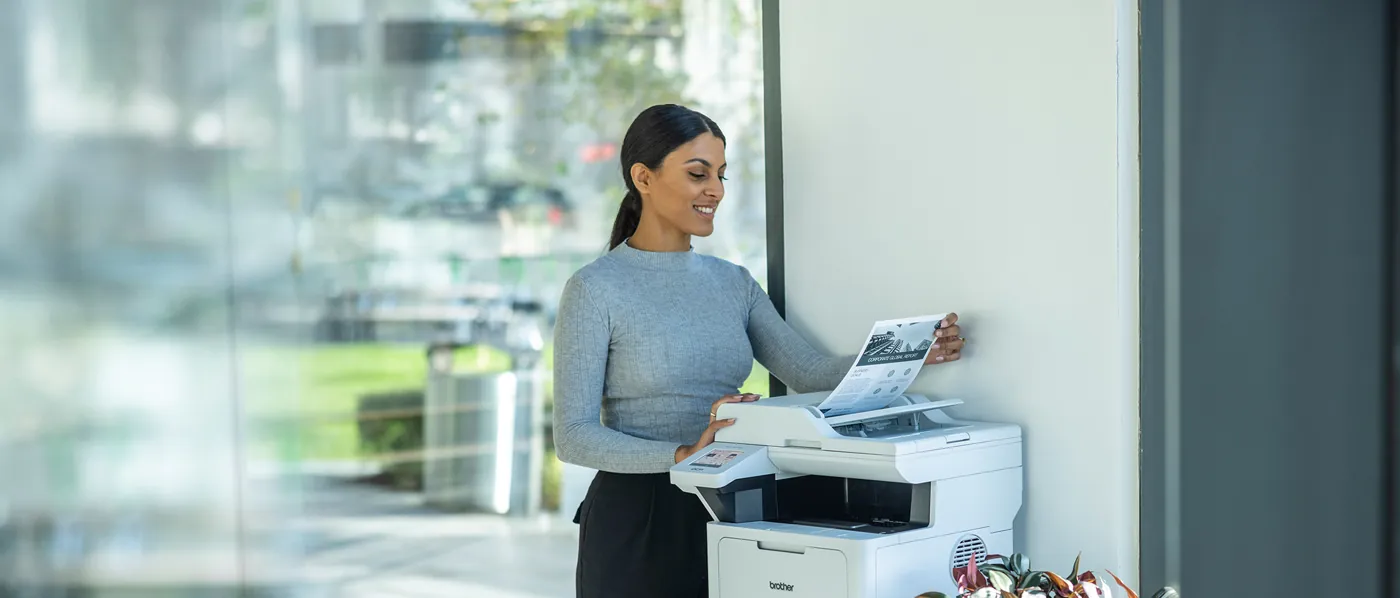
From a compact printer at reception to a multifunction device for the whole department. We work out in advance what a device costs to run, not just to buy.
Fast, economical to run and ideal for lots of text pages in offices and practices.
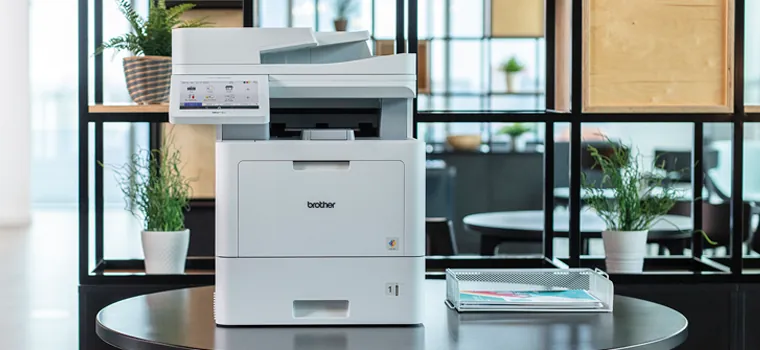
One device for everything, with a feeder that scans whole stacks and sign-in by card or PIN.
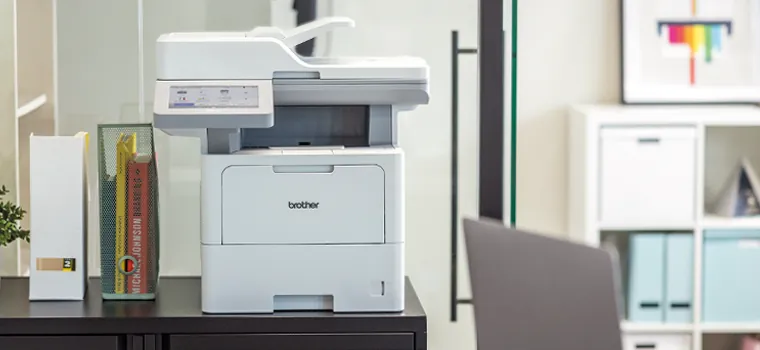
Robust devices with large paper trays for departments, administration and law firms.
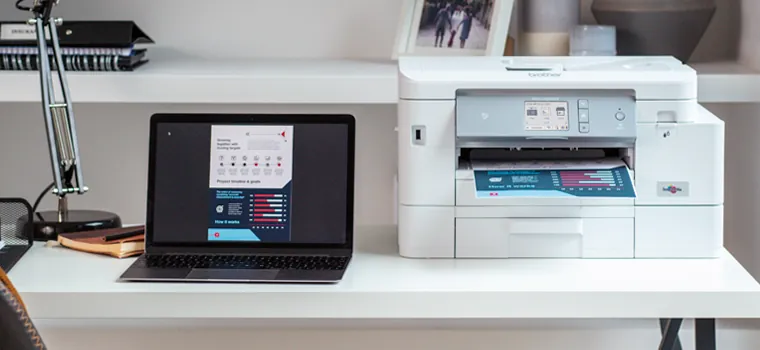
For photos, plans and colour documents, up to A3 if needed.
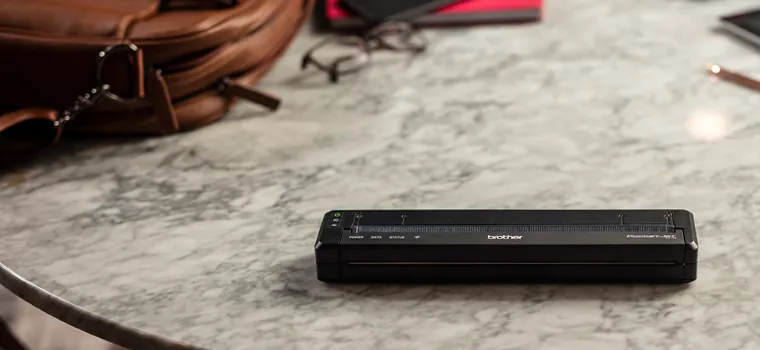
Compact printers for field service and installation, for example to print delivery notes right at the customer's site.

Devices, toner and maintenance at predictable costs. Supplies arrive before you run out.
Images: Brother. We recommend specific models based on print volume, paper sizes and space.
A selection we often use in offices, practices and workshops. We put together other models and accessories to suit your needs.
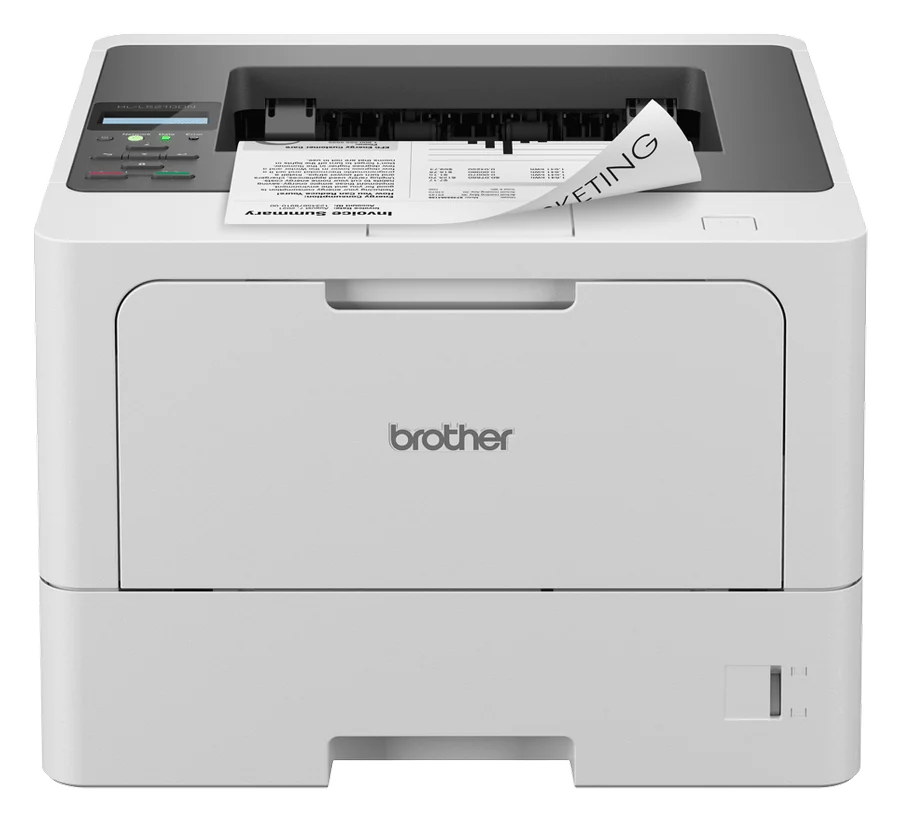
Fast black-and-white printer for teams that print a lot and want little hassle.
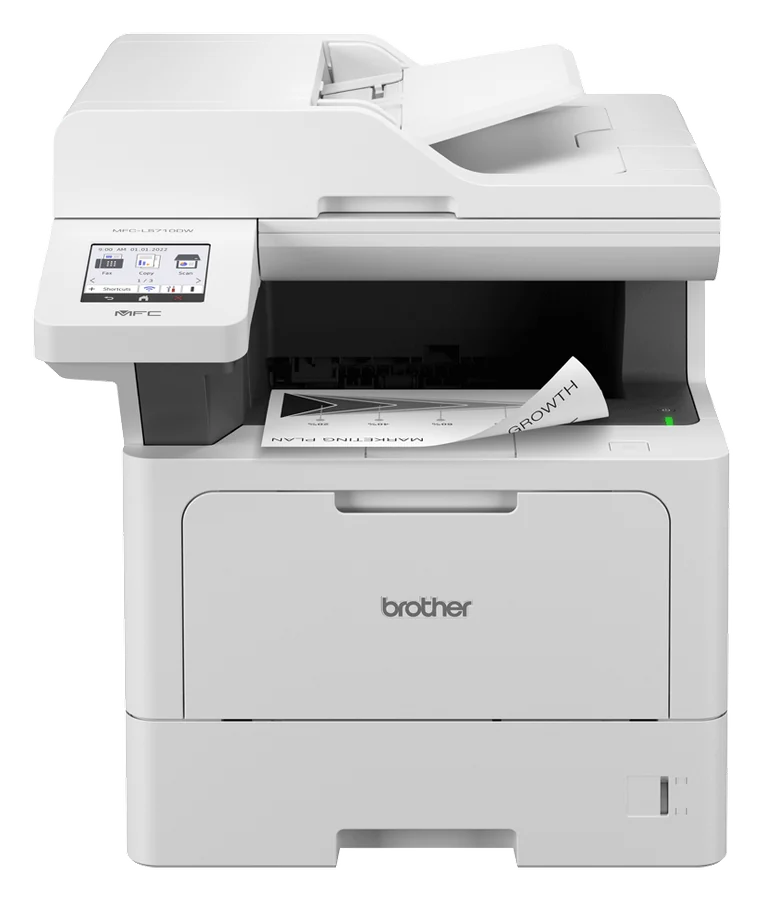
Print, scan, copy and fax in one device. The feeder scans both sides in a single pass.
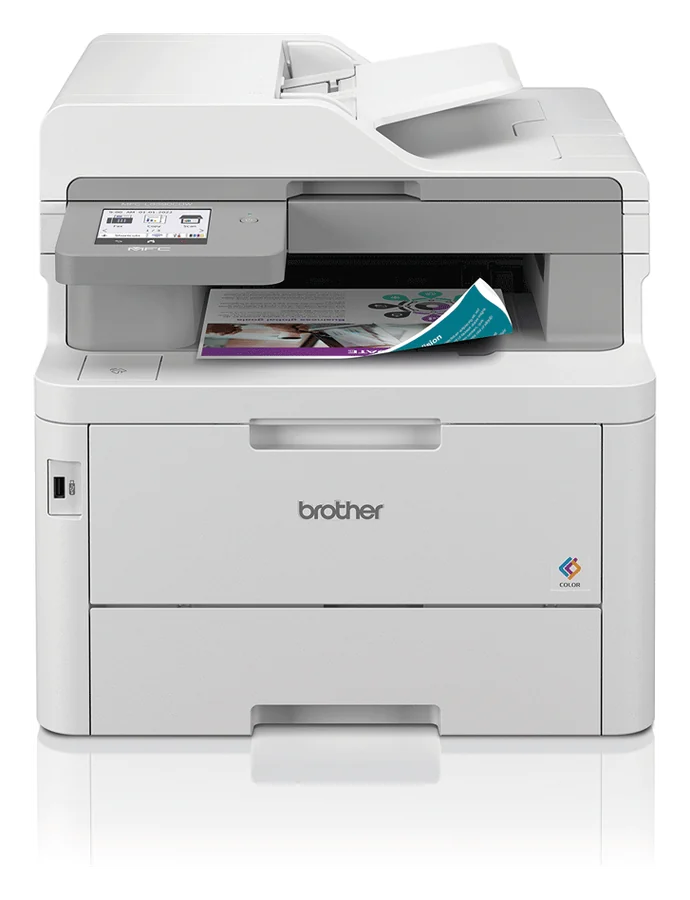
Colour LED multifunction device for quotes, flyers and presentations in clean colour.
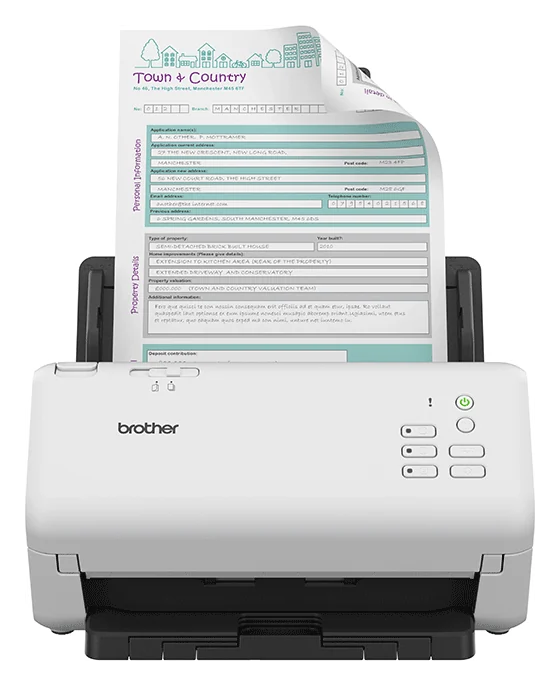
Scanner for your digital archive and accounting. Receipts land in the right folder at the push of a button.
Product images: Brother. Example prices incl. VAT, based on typical retail prices as of November 2026. On request, our quote includes setup and network integration and may differ from these prices.
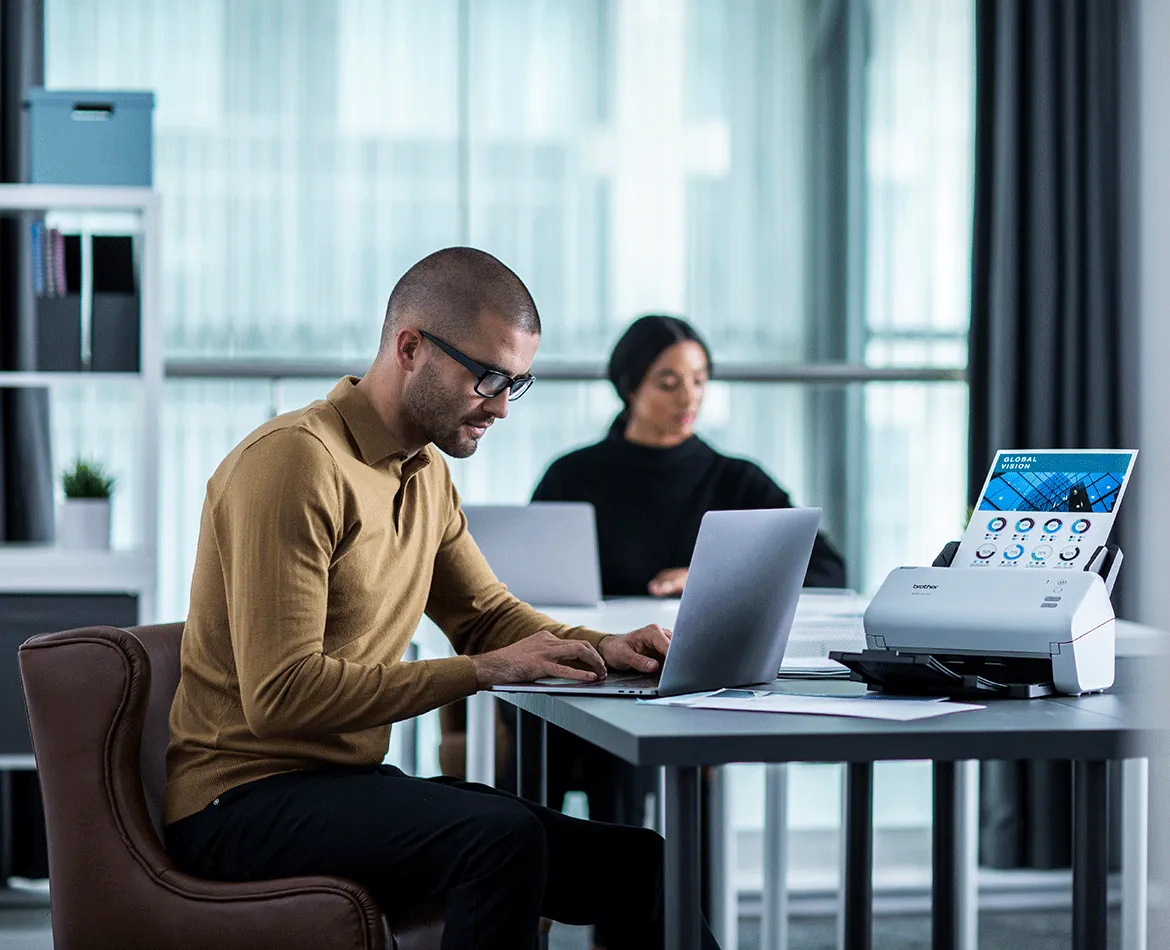
Document scanners and multifunction devices save scans exactly where they are needed. Combined with our DATEV integration, receipts go straight to your tax adviser.
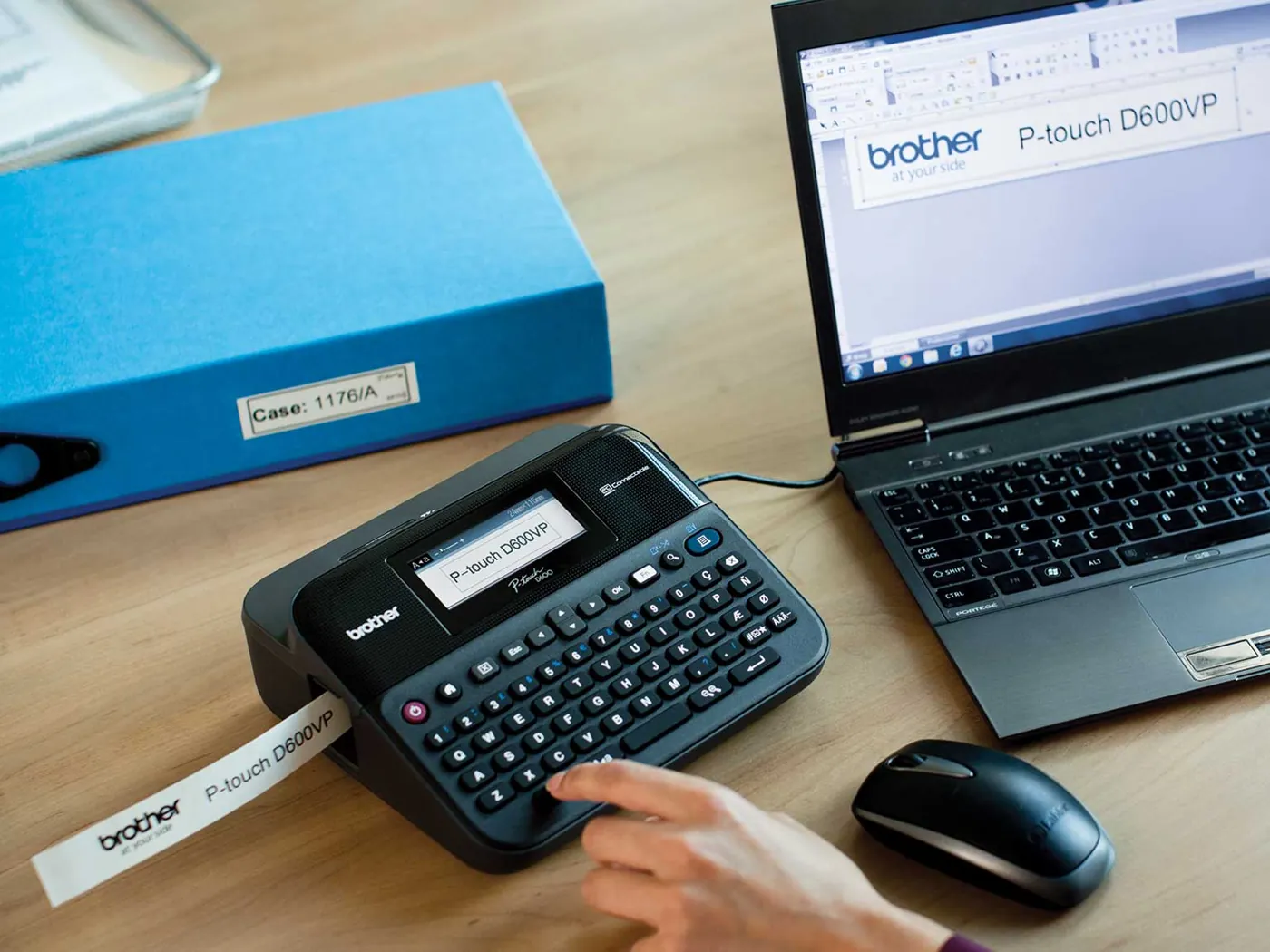
Label printers for shipping, storage, folders and cables. We connect them to your shop or software so shipping labels print straight from the order.
For us, printers are part of the workplace. You don't order anything yourself or hunt for a hotline when something jams.
Pages per month, colour, paper sizes and who prints where.
Suitable devices with cost per page, not just the purchase price.
Connected to the network, drivers rolled out, scan destinations created.
Consumables, maintenance and warranty claims through us.
For lots of text pages, laser is usually cheaper and faster. Inkjet pays off if you print a lot of colour and photos. We calculate both options using your print volume.
Yes. We check what is still worth using, connect it properly to the network and only replace what is no longer worthwhile.
Through us. On request, we monitor toner levels so supplies arrive in good time.
Yes. We connect label printers to Shopify or your software so shipping labels are created directly from the order.
Tell us how much you print and scan. You'll get a recommendation with running costs and a quote including setup.
Brother, P-touch and “at your side” are trademarks of Brother Industries, Ltd. Futuremaxx is a registered partner of Brother. Images: Brother.